
Introduction
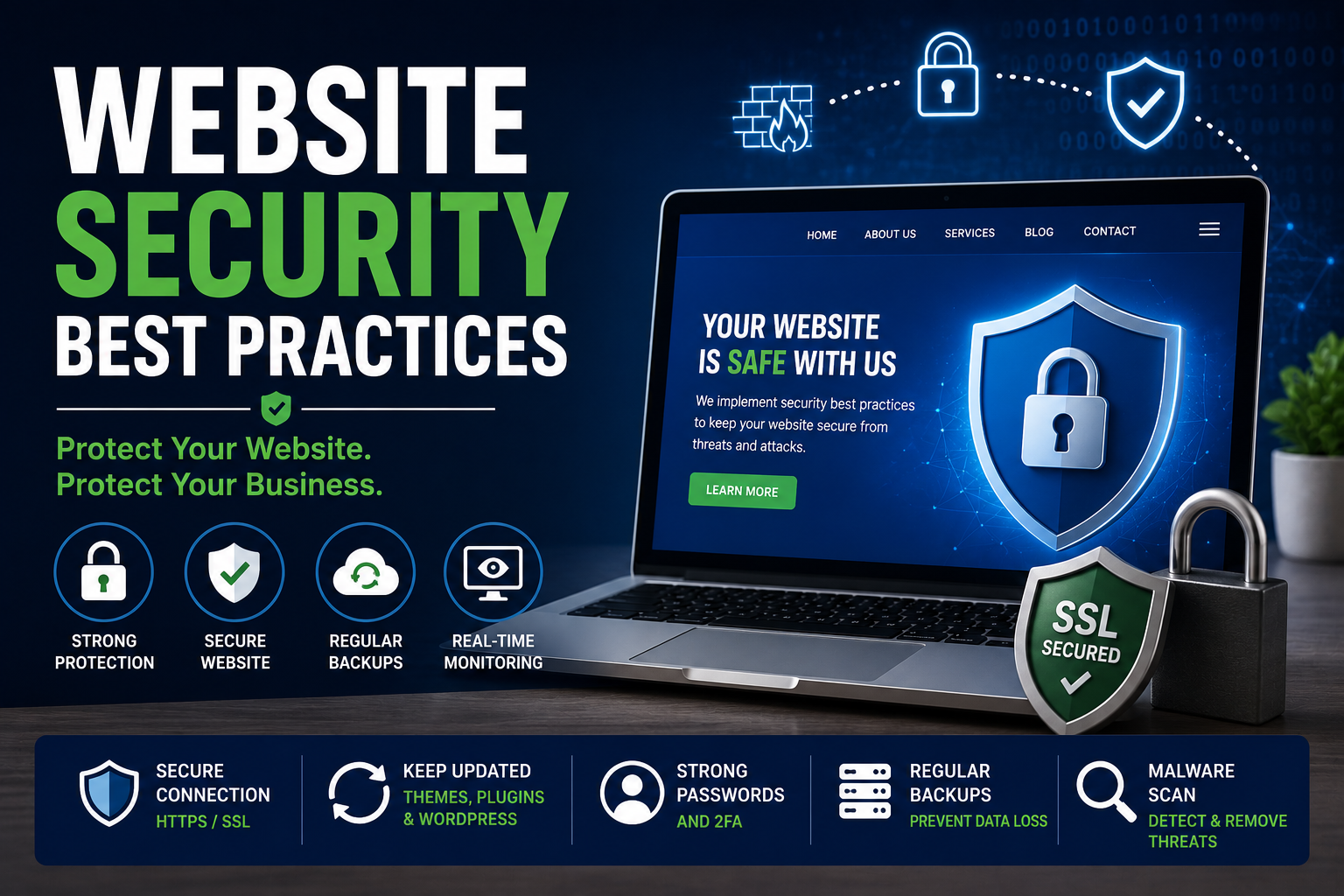
Website Security Best Practices are no longer optional—they’re essential for every business with an online presence. Whether you own a company website, an eCommerce store, or a personal blog, a single security vulnerability can expose your data, damage your reputation, and result in lost customers.
Cybercriminals don’t only target large organizations. Small businesses are often easier targets because they overlook basic security measures such as software updates, strong passwords, and regular backups.
The good news is that securing your website doesn’t have to be complicated. By following a few proven security practices, you can significantly reduce the risk of hacking attempts and keep your website running safely.
In this guide, we’ll explore the most effective website security practices, common mistakes to avoid, and a practical checklist to help protect your website from modern cyber threats.
Quick Website Security Checklist
Before diving into the details, make sure your website follows these essential security practices.
✅ Install an SSL Certificate (HTTPS)
✅ Keep WordPress, Themes & Plugins Updated
✅ Use Strong Passwords
✅ Enable Two-Factor Authentication
✅ Take Regular Website Backups
✅ Install a Trusted Security Plugin
✅ Remove Unused Themes & Plugins
✅ Scan for Malware Regularly
✅ Limit Login Attempts
✅ Monitor Website Activity
What is Website Security?
Website security is the process of protecting your website from cyber threats such as hacking, malware, phishing attacks, brute-force login attempts, and data breaches.
A secure website protects not only your business but also the personal information of your visitors. It ensures that your website remains accessible, trustworthy, and free from malicious activities.
Think of website security like locking your office every night. Even if nothing has happened before, taking preventive measures greatly reduces the chances of future problems.
Why Website Security Matters
A security breach can affect much more than your website. It can impact your customers, your business reputation, and even your search engine rankings.
A secure website helps you:
- Protect customer information
- Prevent unauthorized access
- Improve user trust
- Reduce website downtime
- Maintain SEO rankings
- Prevent financial losses
- Build business credibility
10 Website Security Best Practices
1. Always Use an SSL Certificate
An SSL certificate encrypts data exchanged between your website and its visitors, making it difficult for attackers to intercept sensitive information.
Benefits
- Secure data transmission
- HTTPS protection
- Improved customer trust
- Better SEO performance
2. Keep Everything Updated
Outdated software is one of the most common reasons websites get hacked.
Regularly update:
- WordPress Core
- Themes
- Plugins
- PHP Version
3. Create Strong Passwords
Weak passwords make it easier for attackers to gain unauthorized access.
A strong password should include:
- Uppercase letters
- Lowercase letters
- Numbers
- Special characters
- At least 12 characters
4. Enable Two-Factor Authentication (2FA)
Two-Factor Authentication adds an extra layer of security by requiring a second verification step before anyone can access your website.
Even if your password is compromised, attackers still won’t be able to log in without the second verification code.
5. Backup Your Website Regularly
Imagine spending years building your website only to lose everything because of a hack or server failure.
Regular backups allow you to restore your website quickly and minimize downtime.
Recommended Schedule
- Daily – eCommerce websites
- Weekly – Business websites
- Monthly – Small portfolio websites
6. Install a Reliable Security Plugin
A trusted security plugin can automatically monitor suspicious activities, block malicious traffic, detect malware, and alert you about potential security risks before they become serious problems.
7. Limit Login Attempts
Hackers often use automated bots to guess passwords.
Limiting login attempts blocks repeated failed login requests and significantly reduces brute-force attacks.
8. Delete Unused Themes & Plugins
Unused plugins and themes can become security vulnerabilities if they are outdated.
If you don’t use them, remove them completely instead of simply deactivating them.
9. Scan Your Website for Malware
Malware often operates silently without obvious signs.
Perform regular malware scans to identify suspicious files before they affect your website or visitors.
10. Monitor Your Website Regularly
Website security isn’t something you set up once and forget.
Regularly monitor:
- Failed login attempts
- Security alerts
- Website uptime
- File changes
- Administrator accounts
Early detection helps prevent major security incidents.
Common Website Security Mistakes
Avoid these common mistakes:
❌ Using the default “admin” username
❌ Installing plugins from untrusted websites
❌ Ignoring software updates
❌ Using weak passwords
❌ Not creating backups
❌ Sharing administrator accounts
❌ Skipping malware scans
❌ Not enabling HTTPS
Signs Your Website May Be Compromised
Your website may have been hacked if you notice:
- Unexpected redirects
- Unknown administrator accounts
- Slow website performance
- Spam pages appearing in Google
- Browser security warnings
- Missing files
- Unusual traffic spikes
Website Security Checklist
| Security Task | Recommended Frequency |
|---|---|
| WordPress Updates | Weekly |
| Plugin Updates | Weekly |
| Website Backup | Daily / Weekly |
| Malware Scan | Weekly |
| Password Change | Every 3 Months |
| SSL Certificate Check | Monthly |
| Security Audit | Monthly |
| Full Website Review | Quarterly |
Conclusion
Website security is an ongoing process, not a one-time setup. By implementing these best practices and monitoring your website regularly, you can protect your business from cyber threats, safeguard customer information, and maintain a reliable online presence.
A secure website builds trust, improves user experience, and creates a strong foundation for long-term business growth.
Frequently Asked Questions (FAQs)
1. Why is website security important?
Website security protects your website from hackers, malware, and data breaches while helping maintain customer trust and search engine rankings.
2. What is the most important website security practice?
Keeping your website, plugins, and themes updated is one of the most effective ways to reduce security vulnerabilities.
3. Can a small business website be hacked?
Yes. Small business websites are common targets because they often have weaker security measures than larger organizations.
4. How often should I back up my website?
Business websites should be backed up at least weekly, while eCommerce websites should ideally have daily backups.
5. Does an SSL certificate improve SEO?
Yes. HTTPS is a confirmed ranking signal, and an SSL certificate also helps build trust with visitors.