
Introduction
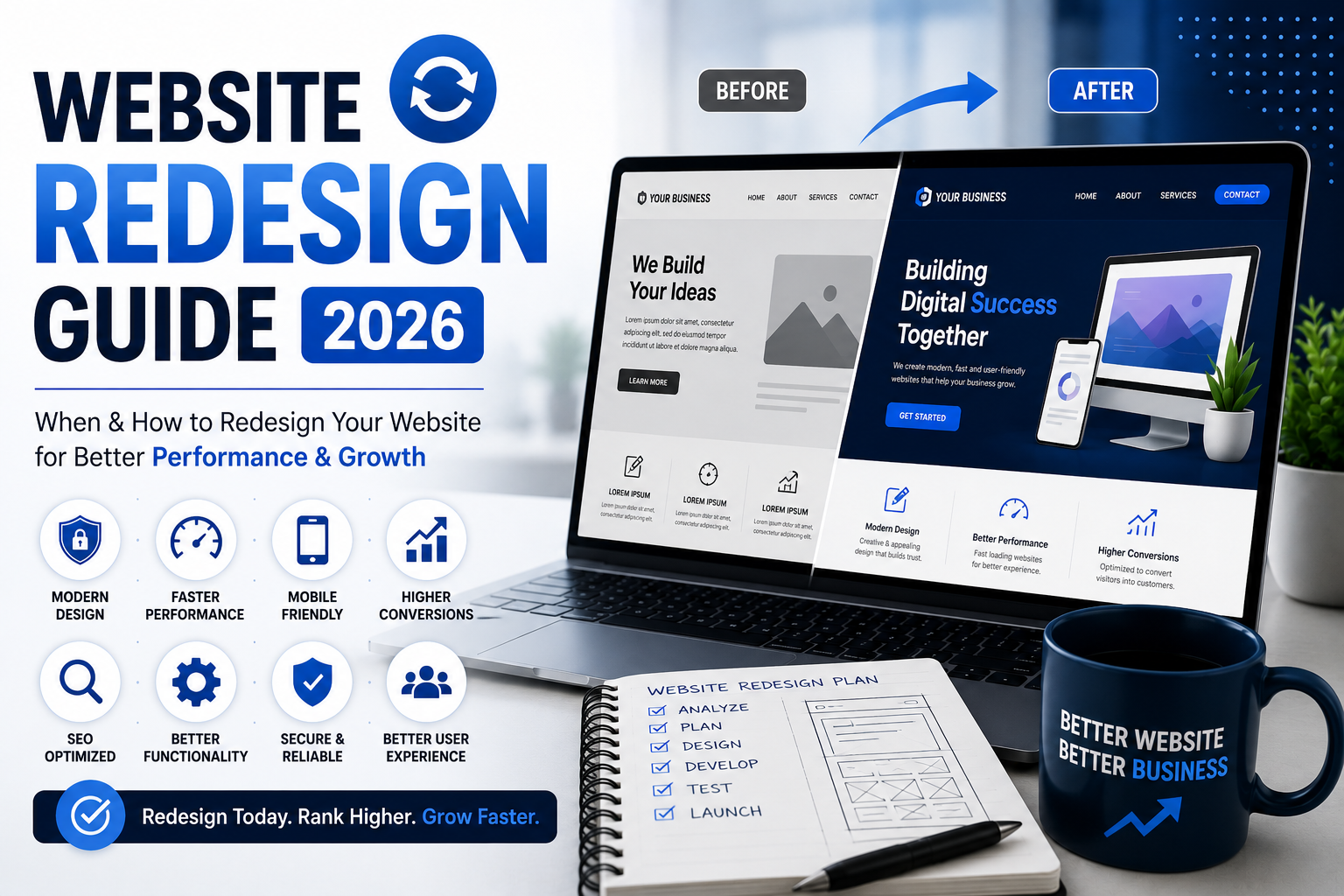
Website Redesign Guide is one of the first resources every business owner should read before making major changes to their website. A redesign isn’t just about changing colors or adding a modern layout—it’s about improving user experience, increasing conversions, enhancing SEO, and supporting your business goals.
An outdated website can make visitors lose trust, increase bounce rates, and reduce leads. On the other hand, a well-planned redesign can improve performance, strengthen your brand, and create a better experience for your customers.
In this guide, you’ll learn when a website redesign is necessary, the steps involved, common mistakes to avoid, and how to redesign your website without hurting your SEO rankings.
Quick Checklist
Before starting a website redesign, make sure you:
✅ Audit your current website
✅ Identify pages generating traffic
✅ Backup your website
✅ Improve website speed
✅ Update the design
✅ Make it mobile-friendly
✅ Preserve SEO URLs
✅ Test every page before launch
✅ Check contact forms
✅ Monitor rankings after launch
What is Website Redesign?
A website redesign is the process of improving a website’s design, structure, functionality, content, and performance to provide a better user experience and achieve business objectives.
Unlike a simple design refresh, a redesign often includes changes to navigation, page layouts, branding, speed optimization, SEO improvements, and new functionality.
Signs Your Website Needs a Redesign
1. Outdated Design
If your website looks several years old, visitors may assume your business is outdated too.
2. Slow Loading Speed
A slow website frustrates users and can reduce conversions.
3. Poor Mobile Experience
You can also test whether your website is mobile-friendly by using Google Chrome DevTools to preview your website on different screen sizes.
4. Low Search Engine Rankings
An outdated website structure can limit your SEO performance.
5. High Bounce Rate
If visitors leave quickly without taking action, your website may need improvements.
6. Difficult Navigation
Users should find information within a few clicks.
7. Low Conversion Rate
If your website receives traffic but few enquiries or sales, redesigning key pages can improve conversions.
Benefits of Website Redesign
- Modern and professional appearance
- Better user experience
- Faster loading speed
- Improved SEO
- Higher conversion rates
- Stronger brand identity
- Better mobile responsiveness
- Easier content management
Website Redesign Process
Step 1 – Analyze Your Existing Website
Review:
- Traffic
- Popular pages
- User behavior
- Conversion rate
- Technical issues
Step 2 – Define Your Goals
Ask yourself:
- More leads?
- Better branding?
- Improved SEO?
- Faster performance?
- Better mobile experience?
Step 3 – Plan the New Structure
Create a sitemap that makes navigation simple and logical.
Step 4 – Improve the Design
Focus on:
- Modern layout
- Better typography
- Consistent colors
- Clear call-to-action buttons
Step 5 – Optimize for SEO
Follow Google Search Essentials to ensure your redesigned website follows SEO best practices and maintains its search visibility after launch.
Remember to:
- Keep important URLs
- Add redirects if URLs change
- Optimize meta titles
- Update internal links
- Preserve valuable content
Step 6 – Test Everything
Before launching:
- Test forms
- Test mobile devices
- Check page speed
- Fix broken links
- Review all pages
Common Website Redesign Mistakes
❌ Redesigning without a strategy
❌ Ignoring SEO
❌ Removing high-performing pages
❌ Not testing before launch
❌ Forgetting 301 redirects
❌ Poor mobile optimization
❌ Slow-loading images
Website Redesign vs Website Refresh
| Website Refresh | Website Redesign |
|---|---|
| Minor visual updates | Complete overhaul |
| Low Investment | Higher investment |
| Faster completion | More planning required |
| Small improvements | Major improvements |
| Limited changes | Design, structure, SEO, and functionality updates |
How Often Should You Redesign Your Website?
Most business websites benefit from a redesign website every 3–5 years. However, if your website experiences major usability issues, outdated branding, or declining performance, it may need improvements sooner.
Conclusion
A website redesign is an opportunity to improve far more than just the appearance of your website. When planned correctly, it enhances user experience, strengthens SEO, increases conversions, and supports long-term business growth.
Before making changes, define clear goals, protect your existing SEO, and focus on creating a website that provides value to both users and search engines.
Frequently Asked Questions (FAQ’s)
1. What is a website redesign?
A website redesign involves updating the design, structure, and functionality of an existing website to improve performance, user experience, and business results.
2. How often should a website be redesigned?
Most websites should be redesigned every 3–5 years or whenever they no longer meet user expectations or business goals.
3. Will redesigning my website affect SEO?
It can, but if done correctly—with proper redirects, preserved URLs where possible, and careful optimization—you can maintain or even improve your rankings.
4. How long does a website redesign take?
A typical redesign takes 2–8 weeks, depending on the website’s size and complexity.
5. How much does a website redesign cost?
The cost varies based on the number of pages, design requirements, features, and customization needed.