
Introduction
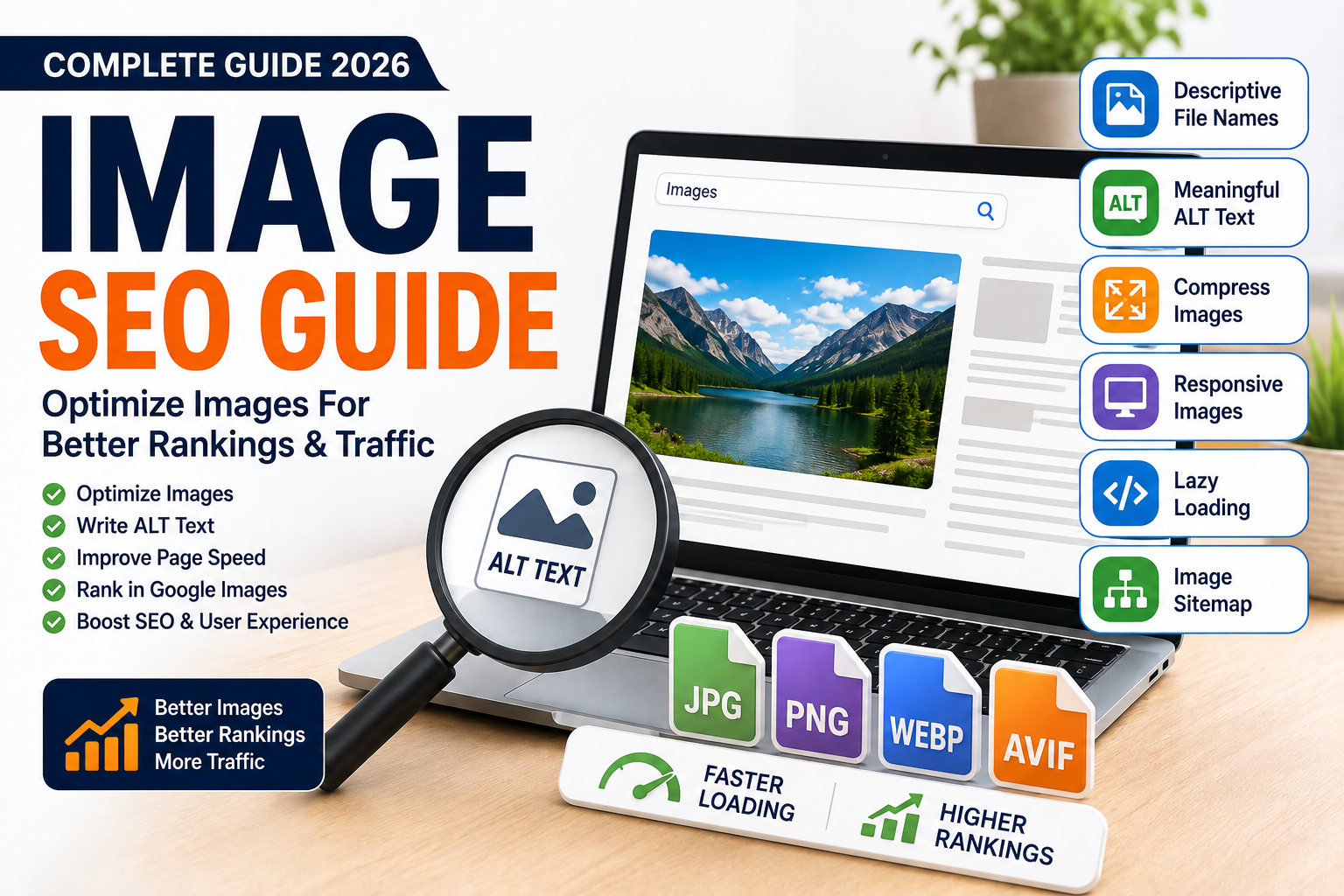
Image SEO Guide helps you optimize your website images so they load faster, improve user experience, and perform better in Google Search and Google Images. Before optimizing images, it’s important to understand the fundamentals of Search Engine Optimization (SEO). While many website owners focus only on written content, optimized images also play an important role in SEO.
Image SEO includes choosing the right file format, compressing images, writing descriptive ALT text, using SEO-friendly file names, and ensuring images are responsive across all devices.
Whether you manage a business website, blog, or eCommerce store, following Image SEO best practices can improve website speed, accessibility, and search visibility.
In this guide, you’ll learn everything you need to know about Image SEO, common mistakes to avoid, and practical techniques to optimize every image on your website.
Quick Image SEO Checklist
✅ Use descriptive file names
✅ Write meaningful ALT text
✅ Compress images before uploading
✅ Choose the correct image format
✅ Use responsive images
✅ Add image captions when helpful
✅ Enable lazy loading
✅ Create an image sitemap
✅ Use modern image formats (WebP/AVIF)
✅ Test image performance regularly
What is Image SEO?
Image SEO is the process of optimizing website images so search engines can understand, index, and rank them while ensuring they load quickly and provide a good user experience.
Proper image optimization improves:
- Website speed
- Accessibility
- Google Image rankings
- User experience
- Organic traffic
Why is Image SEO Important?
Image SEO helps you:
- Improve page loading speed
- Rank in Google Images
- Enhance accessibility
- Support Core Web Vitals
- Increase organic traffic
- Reduce bounce rates
Best Practices for Image SEO
1. Use Descriptive File Names
Instead of using – IMG1234.jpg
Use :- image-seo-guide.webp
2. Write Descriptive ALT Text
Good ALT text describes the image naturally. Writing optimized ALT text is an important part of On-Page SEO.
Example: – Image SEO checklist for improving website rankings
3. Compress Images
Reduce file size without noticeably reducing quality. Image compression also improves your Technical SEO by reducing page load time.
4. Choose the Right File Format
| Format | Best For |
|---|---|
| JPEG | Photos |
| PNG | Transparent graphics |
| WebP | Most websites |
| SVG | Logos & icons |
| AVIF | High-quality compressed images |
5. Use Responsive Images
Serve appropriately sized images for desktop, tablet, and mobile devices.
6. Enable Lazy Loading
Load images only when users scroll to them.
7. Create an Image Sitemap
Help search engines discover important images on your website. You can submit your image sitemap through Google Search Console.
8. Optimize Image Dimensions
Upload images at the correct size to avoid unnecessary downloads.
9. Add Structured Data (When Relevant)
Use schema markup for products, recipes, and articles that contain important images.
10. Monitor Performance
Regularly test image performance using SEO and speed analysis tools. Regular website audits also help identify image-related SEO issues.
Common Image SEO Mistakes
❌ Uploading large image files. Avoiding these issues helps improve How Google Ranks Websites.
❌ Missing ALT text
❌ Generic file names
❌ Using the wrong file format
❌ Ignoring lazy loading
❌ Not compressing images
❌ Missing image sitemap
❌ Using blurry or low-quality images
Best Image SEO Tools
Free Tools
Paid Tools
- ShortPixel
- Imagify
- Optimole
Conclusion
Image SEO is more than compressing pictures. By using descriptive file names, meaningful ALT text, modern image formats, and proper compression, you can improve website speed, accessibility, and search visibility.
Image SEO works best when combined with On-Page SEO, Technical SEO, Core Web Vitals optimization, and regular SEO Audits to create a fast, search-friendly website.
You can learn more about image optimization from Google’s official Image SEO documentation.
Frequently Asked Questions (FAQs)
1. What is Image SEO?
Image SEO is the process of optimizing images to improve website speed, accessibility, and search engine rankings.
2. Why is ALT text important?
ALT text helps search engines understand images and improves accessibility for users with screen readers.
3. Which image format is best for SEO?
WebP is generally the best choice because it offers excellent quality with smaller file sizes.
4. Does image compression affect quality?
Modern compression tools reduce file size while maintaining high visual quality.
5. How often should I optimize images?
Every image should be optimized before uploading, and existing images should be reviewed during regular SEO audits.