
Introduction
On-Page SEO Guide is your roadmap to optimizing individual web pages for better search engine rankings and a better user experience. While quality content is important, it won’t perform well unless it’s properly optimized for both search engines and your visitors.
On-Page SEO involves optimizing elements like titles, headings, URLs, images, internal links, meta descriptions, and content structure. These improvements help search engines understand your page while making it easier for users to find the information they’re looking for.
Whether you’re running a business website, blog, or eCommerce store, following the right On-Page SEO practices can increase your visibility, attract more organic traffic, and improve conversions.
In this guide, you’ll learn everything you need to optimize your pages with a practical, step-by-step checklist.
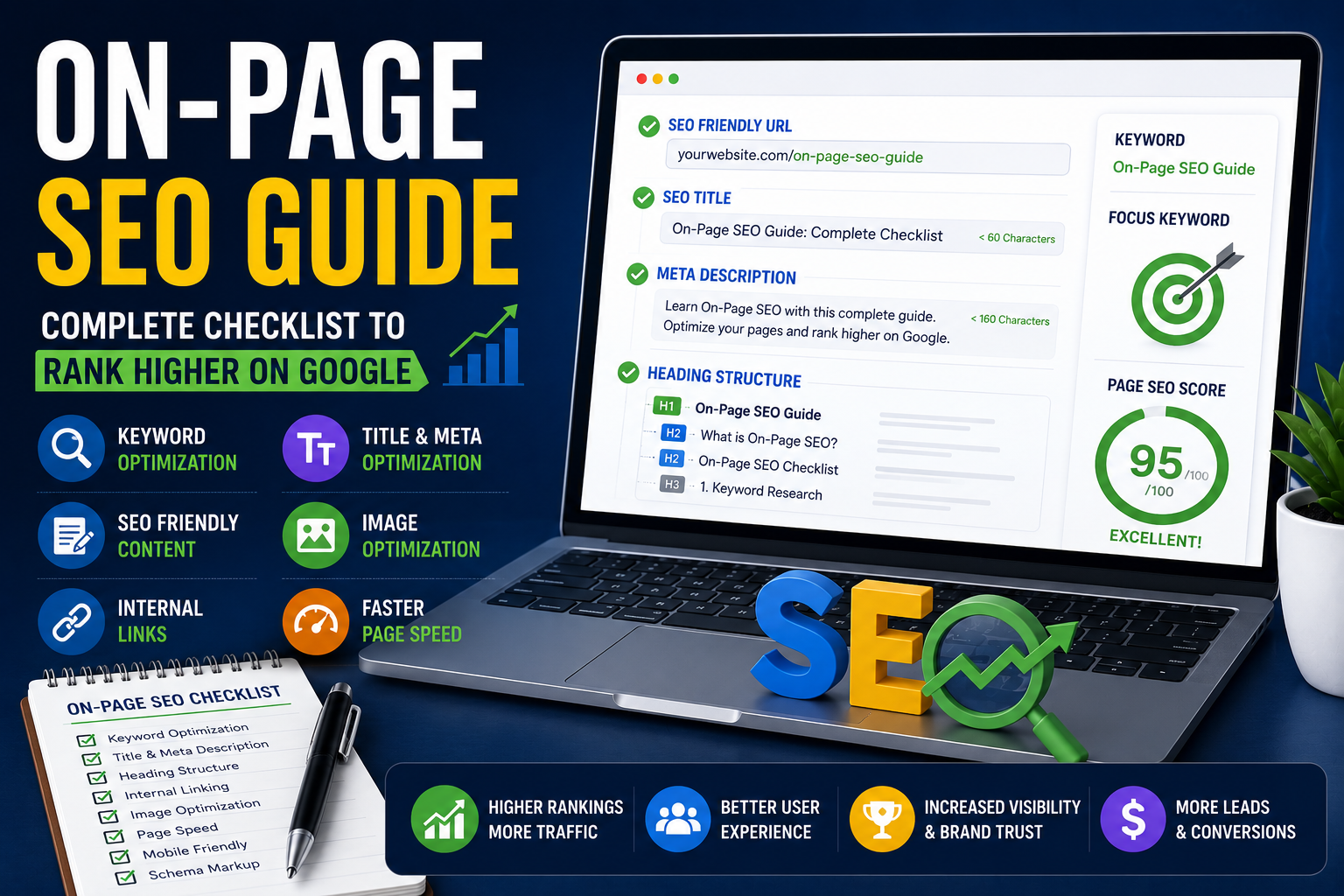
Quick On-Page SEO Checklist
✅ Use one primary keyword
✅ Write an SEO-friendly title
✅ Add a compelling meta description
✅ Use H1, H2, and H3 headings correctly
✅ Optimize your URL
✅ Add internal links
✅ Add relevant external links
✅ Optimize images and ALT text
✅ Improve page speed
✅ Make your website mobile-friendly
What is On-Page SEO?
On-Page SEO is the process of optimizing individual web pages to improve their visibility in search engines and provide a better experience for users.
Unlike Off-Page SEO, which focuses on backlinks and authority, On-Page SEO deals with everything you can control directly on your website, including content, HTML elements, page structure, and internal linking.
Why is On-Page SEO Important?
A well-optimized page helps search engines understand your content while making it easier for visitors to navigate and engage with your website.
Benefits of On-Page SEO
- Improves Google rankings
- Increases organic traffic
- Enhances user experience
- Improves click-through rate (CTR)
- Helps search engines understand your content
- Supports long-term SEO growth
Complete On-Page SEO Checklist
1. Perform Keyword Research
Choose one primary keyword and a few related keywords before writing your content.
Example:
Primary Keyword:
On-Page SEO Guide
Related Keywords:
- On-Page SEO Checklist
- SEO Optimization
- On-Page SEO Techniques
2. Write an SEO-Friendly Title
Your title should:
- Include the primary keyword
- Be under 60 characters
- Encourage clicks
- Clearly explain the page topic
3. Optimize Your Meta Description
A good meta description should:
- Be between 150–160 characters
- Include the focus keyword
- Encourage users to click
4. Use Headings Properly
Structure your content like this:
- H1 → Main Title
- H2 → Main Sections
- H3 → Subsections
- H4 → Supporting Points (if required)
A clear heading structure improves readability and helps search engines understand your content.
5. Create SEO-Friendly URLs
Good Example:- yourwebsite.com/on-page-seo-guide
Bad Example:- yourwebsite.com/post?id=12345
6. Optimize Content
Write content that is:
- Original
- Helpful
- Easy to read
- Well-structured
- Focused on search intent
Avoid keyword stuffing.
7. Add Internal Links
Internal links help users discover related content and improve website navigation.
Example:
- What is SEO?
- Technical SEO Guide
- Website Development Services
8. Add External Links
Link to trusted, authoritative resources when appropriate.
Examples:
- Google Search Central
- Google PageSpeed Insights
- MDN Web Docs
9. Optimize Images
Every image should have:
- Descriptive file name
- ALT text
- Proper compression
- Responsive size
10. Improve Page Speed
A faster website improves user experience and supports better search rankings.
Tips:
- Compress images
- Enable caching
- Minify CSS and JavaScript
- Use a CDN if needed
11. Make Your Website Mobile-Friendly
Most users browse on mobile devices, so your pages should adapt to different screen sizes without affecting usability.
12. Add Schema Markup
Schema helps search engines better understand your content and can improve how your pages appear in search results.
Examples:
- Article Schema
- FAQ Schema
- Organization Schema
- Breadcrumb Schema
Common On-Page SEO Mistakes
❌ Keyword stuffing
❌ Duplicate content
❌ Missing ALT text
❌ Broken internal links
❌ Poor heading structure
❌ Slow loading pages
❌ Missing meta descriptions
❌ Very long URLs
On-Page SEO vs Off-Page SEO
| On-Page SEO | Off-Page SEO |
|---|---|
| Content Optimization | Backlink Building |
| Meta Tags | Brand Mentions |
| Internal Linking | Social Signals |
| Images | Guest Posting |
| URL Structure | Domain Authority |
Conclusion
On-Page SEO forms the foundation of every successful SEO strategy. By optimizing your content, titles, images, URLs, and internal links, you make it easier for both users and search engines to understand your website.
Start with the basics, follow a consistent optimization process, and regularly update your content to maintain strong search visibility over time.
Frequently Asked Questions (FAQs)
1. What is On-Page SEO?
On-Page SEO is the practice of optimizing individual web pages to improve their visibility in search engine results.
2. Why is On-Page SEO important?
It helps search engines understand your content, improves user experience, and increases the chances of ranking higher.
3. What is the difference between On-Page SEO and Off-Page SEO?
On-Page SEO focuses on elements within your website, while Off-Page SEO focuses on external signals such as backlinks and brand authority.
4. How often should I update my On-Page SEO?
Review your important pages every few months or whenever you make significant content updates.
5. Does On-Page SEO guarantee higher rankings?
No. It improves your chances of ranking well, but rankings also depend on content quality, competition, backlinks, and technical SEO.