
Introduction
Website Maintenance Guide is one of the most important resources every website owner should follow after launching a website. Many businesses invest time and money in building a professional website but forget that regular maintenance is essential to keep it secure, fast, and performing at its best.
Think of your website like a car. Buying it is only the beginning. Without regular servicing, even the best car will eventually develop problems. The same applies to your website. Regular maintenance helps prevent security issues, improves performance, keeps your content up to date, and ensures visitors enjoy a smooth browsing experience.
In this guide, you’ll learn why website maintenance matters, what tasks should be performed regularly, and how a proper maintenance plan can protect your business and improve your website’s long-term performance.
Quick Checklist
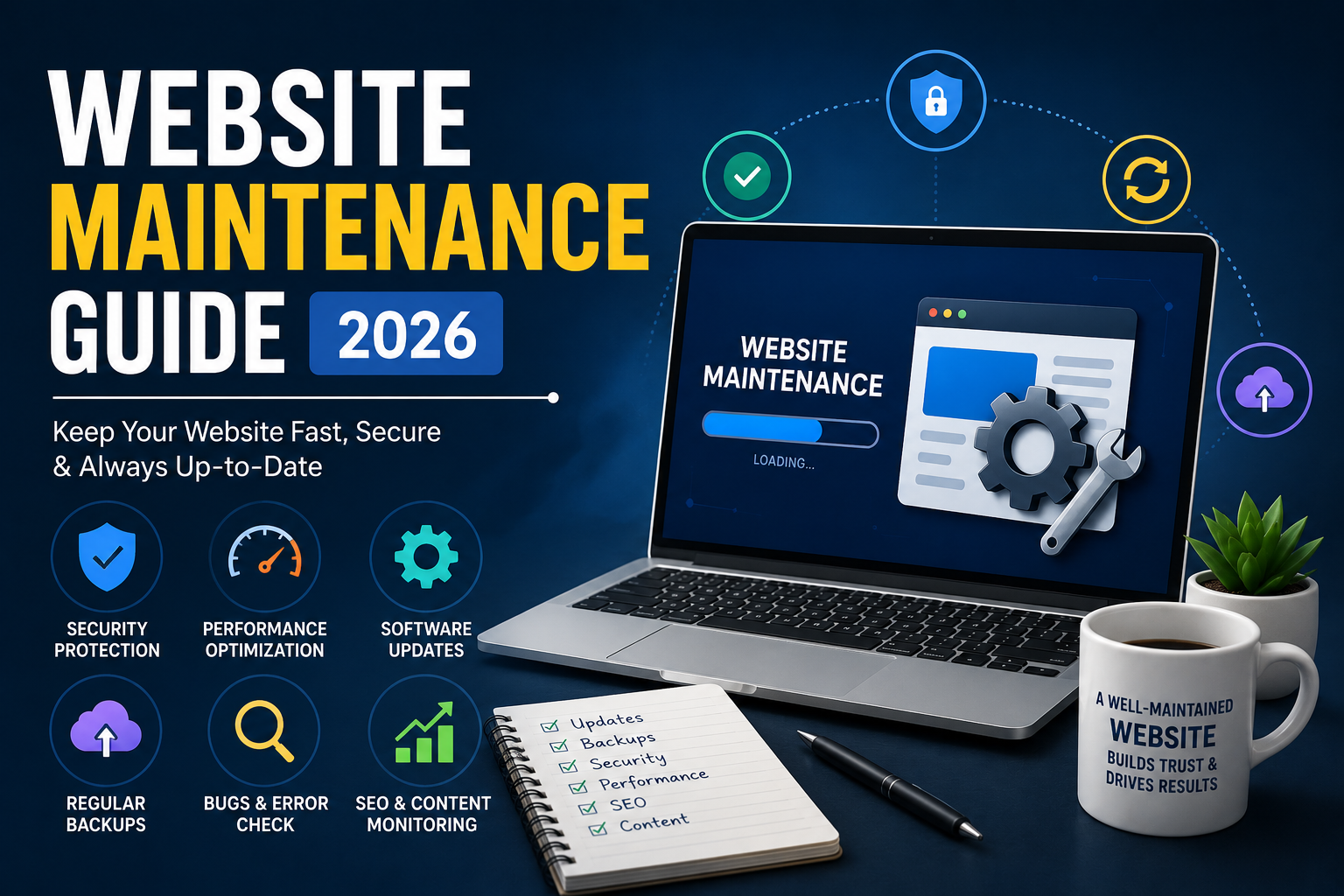
Before we dive deeper, here’s a quick website maintenance checklist.
✅ Update WordPress, themes, and plugins
✅ Backup your website regularly
✅ Monitor website speed
✅ Fix broken links
✅ Check contact forms
✅ Update business information
✅ Scan for malware
✅ Review SEO performance
✅ Optimize images
✅ Renew domain and SSL certificates
What is Website Maintenance?
Website maintenance is the process of regularly checking, updating, and improving a website to ensure it remains secure, functional, and optimized for both users and search engines.
It includes tasks such as software updates, security monitoring, backups, performance optimization, fixing broken links, updating content, and monitoring website health.
Without regular maintenance, websites become vulnerable to security threats, slow loading speeds, outdated information, and poor user experience.
Why Website Maintenance is Important
A website is never truly “finished.” Technology, browsers, security standards, and customer expectations continue to evolve. Regular maintenance helps your website keep pace with these changes.
Benefits include:
- Improved website security
- Better loading speed
- Higher Google rankings
- Fewer technical issues
- Better user experience
- Increased customer trust
- Longer website lifespan
Website Maintenance Checklist
1. Keep WordPress, Themes & Plugins Updated
Outdated software is one of the biggest causes of website hacks.
Always update:
- WordPress Core
- Themes
- Plugins
2. Take Regular Backups
Backups protect your business if something goes wrong.
Recommended schedule:
- Daily (eCommerce)
- Weekly (Business websites)
- Monthly (Small static websites)
3. Monitor Website Speed
Visitors expect websites to load quickly.
Improve speed by:
- Compressing images
- Using caching
- Optimizing code
- Removing unused plugins
4. Check Website Security
Protect your website by:
- Using strong passwords
- Enabling SSL
- Installing a security plugin
- Scanning for malware
- Limiting login attempts
5. Fix Broken Links
Broken links create a poor user experience and can affect SEO.
Check for:
- 404 pages
- Broken internal links
- Broken external links
6. Review SEO Performance
Regularly monitor:
- Organic traffic
- Keyword rankings
- Indexing status
- Core Web Vitals
- Search Console errors
7. Update Website Content
Fresh content signals that your website is active.
Update:
- Services
- Pricing
- Team information
- Blog posts
- Images
- Contact details
8. Test Forms
Every month, test:
- Contact forms
- Enquiry forms
- Newsletter forms
- WhatsApp buttons
- Call buttons
A broken contact form can mean lost leads
9. Monitor Website Analytics
Review:
- Traffic sources
- Popular pages
- Bounce rate
- User behavior
- Conversion rate
10. Renew Domain & SSL
Don’t let these expire.
Set reminders before:
- Domain renewal
- SSL certificate
- Hosting renewal
Common Website Maintenance Mistakes
❌ Never updating plugins
❌ Ignoring backups
❌ Using weak passwords
❌ Uploading large images
❌ Not checking contact forms
❌ Ignoring Search Console errors
❌ Leaving outdated business information
How Often Should Website Maintenance Be Done?
| Task | Frequency |
|---|---|
| Website Backup | Daily / Weekly |
| Plugin Updates | Weekly |
| WordPress Updates | Weekly |
| Security Scan | Weekly |
| Speed Test | Monthly |
| SEO Audit | Monthly |
| Content Review | Monthly |
| Broken Link Check | Monthly |
| Full Website Audit | Quarterly |
When Should You Hire a Website Maintenance Company?
Consider professional maintenance if:
- Your website generates business leads.
- You run an online store.
- You don’t have technical knowledge.
- Security is a priority.
- You don’t have time for regular updates.
Why Choose Professional Website Maintenance Services?
Professional maintenance ensures:
- Faster website performance
- Better security
- Regular monitoring
- Timely updates
- Reliable backups
- Improved SEO health
- Peace of mind
Conclusion
Launching a website is only the first step. Regular maintenance keeps your website secure, fast, and effective over the long term. By following a structured maintenance routine, you can reduce technical issues, improve user experience, and protect your investment.
Whether you manage your website yourself or work with a professional team, consistent maintenance is essential for long-term online success.
Frequently Asked Questions (FAQ’s)
1. What is website maintenance?
Website maintenance involves regularly updating, securing, and optimizing a website to keep it running smoothly.
2. How often should a website be maintained?
Basic maintenance should be performed every week, while backups, security checks, and SEO reviews should follow a regular schedule based on the website type.
3. Why is website maintenance important?
It improves security, performance, SEO, and user experience while reducing the risk of downtime.
4. How much do website maintenance services cost?
The cost depends on the website’s size, features, and the level of support required.
5. Can I maintain my website myself?
Yes, if you have the necessary technical knowledge. Otherwise, hiring a professional maintenance service can save time and help prevent costly issues.