
Introduction
Core Web Vitals Guide is your complete resource for understanding Google’s most important website performance metrics. Before optimizing website performance, it’s helpful to understand the fundamentals of Search Engine Optimization (SEO) and how page experience contributes to overall rankings. A fast, responsive, and visually stable website creates a better user experience and helps search engines evaluate the quality of your pages.
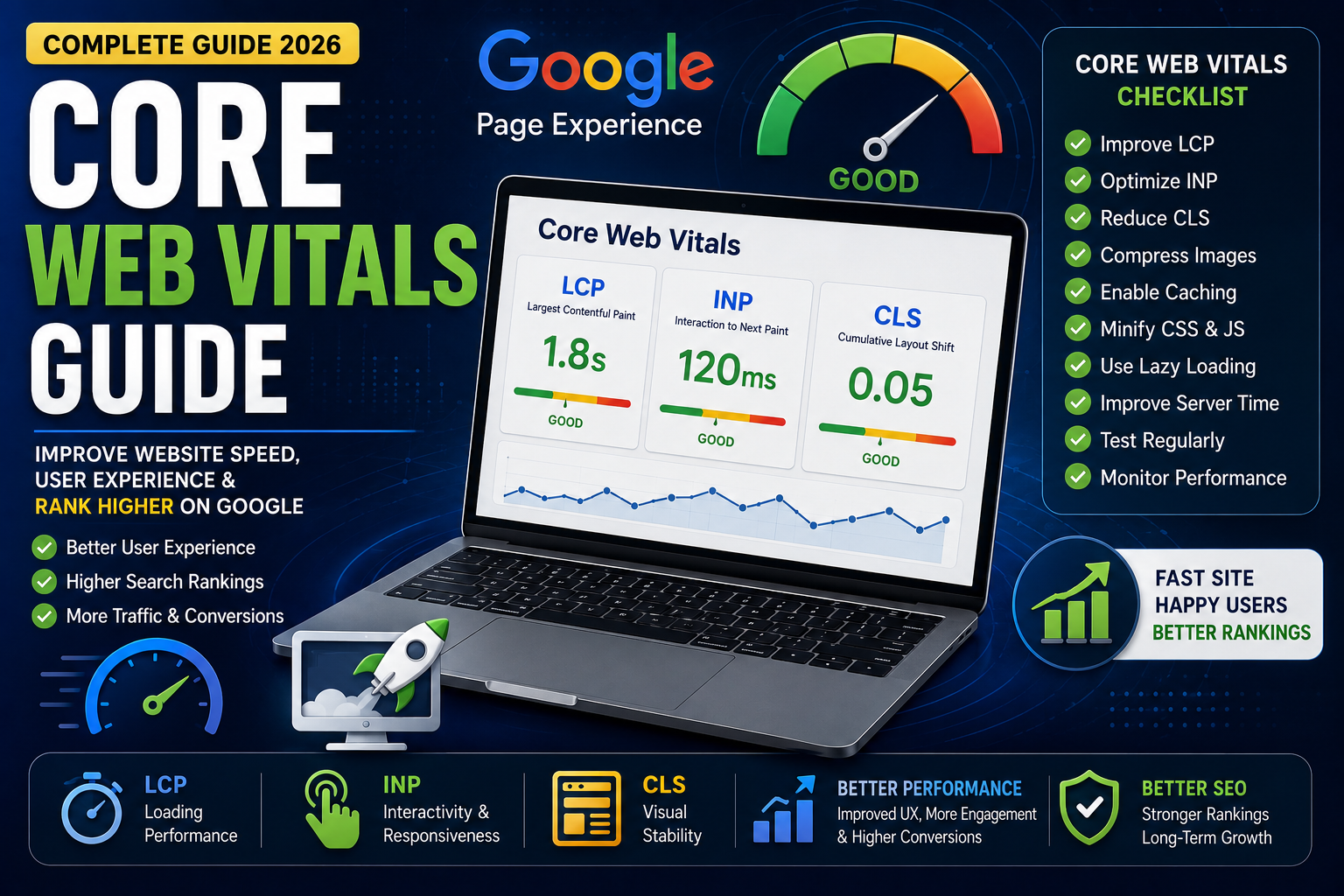
Core Web Vitals measure how quickly your website loads, how responsive it is to user interactions, and how stable the page layout remains while loading. These metrics are part of Google’s Page Experience signals and can influence how users interact with your website.
Whether you manage a business website, blog, or eCommerce store, improving Core Web Vitals can reduce bounce rates, increase engagement, and support better long-term SEO performance.
In this guide, you’ll learn what Core Web Vitals are, why they matter, how to measure them, and practical ways to improve your scores.
Quick Core Web Vitals Checklist
✅ Improve Largest Contentful Paint (LCP)
✅ Optimize Interaction to Next Paint (INP)
✅ Reduce Cumulative Layout Shift (CLS)
✅ Compress and optimize images
✅ Enable browser caching
✅ Minify CSS and JavaScript
✅ Use lazy loading
✅ Improve server response time
✅ Test your website regularly
✅ Monitor performance using Google tools
What are Core Web Vitals?
Core Web Vitals are Google’s key performance metrics that measure the real-world user experience of a webpage. Core Web Vitals are an important part of a strong Technical SEO strategy because they improve both user experience and website performance.
They focus on three areas:
- Largest Contentful Paint (LCP) – Loading performance
- Interaction to Next Paint (INP) – Responsiveness
- Cumulative Layout Shift (CLS) – Visual stability
Together, these metrics help determine how users experience your website.
Why are Core Web Vitals Important?
Good Core Web Vitals help:
- Improve user experience
- Reduce bounce rates
- Increase engagement
- Improve website performance
- Support SEO efforts by helping Google evaluate your website’s overall page experience. Learn more about How Google Ranks Websites.
- Increase conversion rates
Understanding the Three Core Web Vitals
1. Largest Contentful Paint (LCP)
LCP measures how long it takes for the largest visible content element on a page to load.
Good Score
- Good: 2.5 seconds or less
- Needs Improvement: 2.5–4 seconds
- Poor: More than 4 seconds
How to Improve LCP?
- Optimize images
- Use faster hosting
- Reduce server response time
- Enable caching
- Remove unused CSS
2. Interaction to Next Paint (INP)
INP measures how quickly your website responds when a user interacts with it.
Good Score
- Good: 200 ms or less
- Needs Improvement: 200–500 ms
- Poor: More than 500 ms
How to Improve INP?
- Reduce JavaScript execution
- Remove unnecessary scripts
- Improve browser responsiveness
- Optimize event handlers
3. Cumulative Layout Shift (CLS)
CLS measures how much the page layout unexpectedly shifts while loading.
Good Score
- Good: 0.1 or less
- Needs Improvement: 0.1–0.25
- Poor: More than 0.25
How to Improve CLS?
- Set image dimensions
- Reserve space for ads
- Avoid inserting content above existing elements
- Optimize web fonts
Best Tools to Measure Core Web Vitals
Free Tools
Paid Tools
- GTmetrix
- Pingdom Website Speed Test
Common Core Web Vitals Issues
❌ Large images
❌ Slow hosting
❌ Too many JavaScript files
❌ Layout shifts
❌ Render-blocking CSS
❌ Slow server response
❌ Poor caching
Best Practices
- Compress images
- Use modern image formats
- Minify CSS and JavaScript
- Use a CDN
- Enable browser caching
- Remove unnecessary plugins
- Test after every update
Conclusion
Core Web Vitals are essential for creating a fast, responsive, and user-friendly website. By improving loading speed, responsiveness, and visual stability, you enhance the experience for visitors while supporting your overall SEO strategy.
Regularly monitor your website, fix performance issues, and keep optimizing to maintain excellent Core Web Vitals scores.
Frequently Asked Questions (FAQs)
1. What are Core Web Vitals?
Core Web Vitals are Google’s performance metrics that measure loading speed, responsiveness, and visual stability.
2. Do Core Web Vitals affect SEO?
They are part of Google’s Page Experience signals and contribute to overall website quality, although content relevance remains the primary ranking consideration.
3. What is a good LCP score?
A good Largest Contentful Paint (LCP) score is 2.5 seconds or less.
4. How can I check my Core Web Vitals?
You can use Google PageSpeed Insights, Google Search Console, Lighthouse, or Chrome DevTools.
5. How often should I test Core Web Vitals?
It’s recommended to test after major website updates and perform regular monthly performance checks.